Einfache Handhabung & Montage: Entfernen Sie einfach den en Druckkopf und ersetzen Sie ihn durch unseren neuen – der perfekte Ersatz für Ihren alten Druckkopf. Spec: Item Type: Printhead Replacement Condition: Refurbishment Parts Material: UPVC Applicable Models: QY6 0089 for TS5080 TS6080 ts6020 ts6120
How to Use: 1. Power Off Procedure: Before installation, turn off the printer and unplug the power cord to ensure complete power disconnection. Operating under power may burn out the motherboard and printhead. 2. Cleaning the Mounting Position: Use a lint-free cloth dipped in a small amount of cleaning solution to wipe the contact surface of the printhead mount. Remove any residual ink or dust to ensure a flat installation. 3. Precise Alignment: Align the new printhead with the mounti...
Printhead Replacement Professional Print Head QY6 0089 for TS5080 TS6080 Ts6020 Ts6120 Printer Single Black Print Head Nozzle
Spare ganz einfach 5 €
Registriere dich, stimme Werbe-E-Mails zu und spare 5 € ab 40 € Bestellwert.
27,33 €
Gesetzlicher Referenzpreis auf Kaufland.de (ohne Versandkosten)
25,09 €-8%
Kostenloser Versand
Zu dir nach Hause
Mi. 04. – Mo. 09. November
3 zinsfreie Teilzahlungen mit Klarna
3 zinsfreie Teilzahlungen mit
Unsere bestenDeals
Standarddrucker & vieles mehr
Alle Preise inkl. MwSt. /
Informationen zur Produktsicherheit:
Ähnliche Produkte
Weitere Informationen zur Anzeige
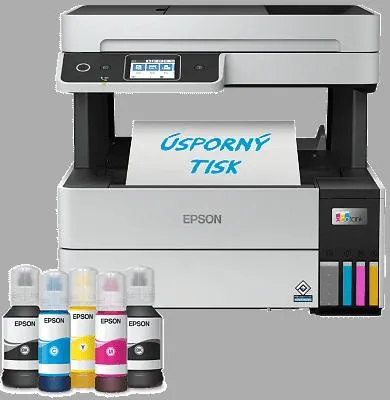
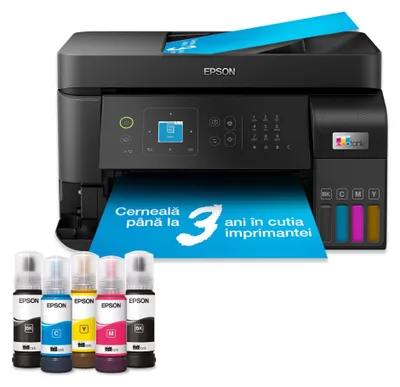
Epson Drucker L6499
572,51 €
Verkäufer: TisknuLevneCZ
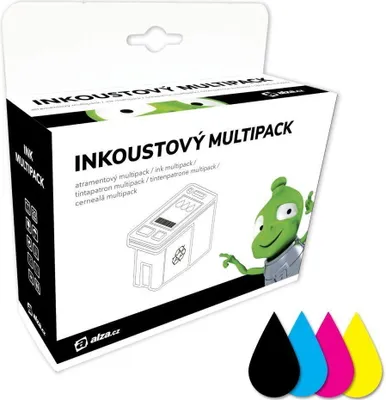
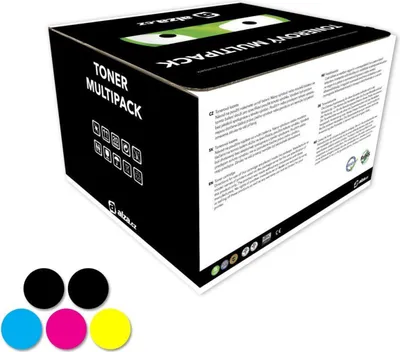
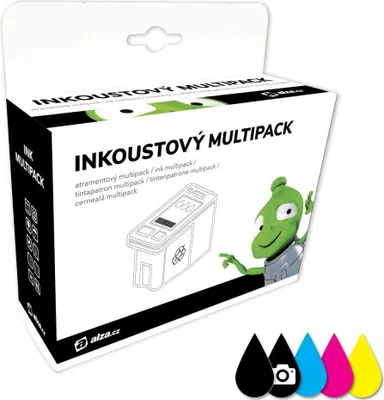
Alza PGI-550 CLI-551 Multipack für Canon Drucker
54,03 €
Kostenloser Versand
Verkäufer: Schnaeppchen-Schuppen
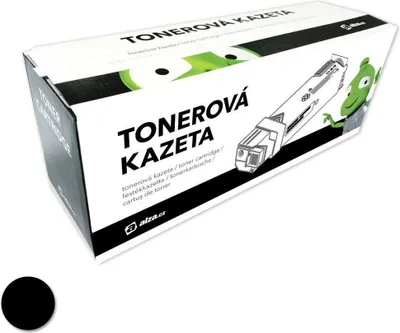
Alza T07U140 Nr. 407 schwarz für Epson Drucker
32,09 €
Kostenloser Versand
Verkäufer: Schnaeppchen-Schuppen
Alza T202XL C/M/Y Multipack Farbe für Epson Drucker
44,56 €
Kostenloser Versand
Verkäufer: Schnaeppchen-Schuppen
Alza T603XL BK/C/M/Y Multipack für Epson Drucker
54,52 €
Kostenloser Versand
Verkäufer: Schnaeppchen-Schuppen
Alza T02W640 Nr.502 XL Multipack für Epson Drucker
51,84 €
Kostenloser Versand
Verkäufer: Schnaeppchen-Schuppen
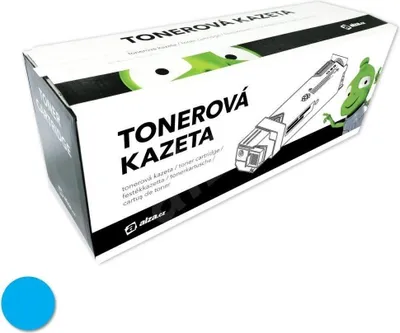
Alza 106R01631 cyan für Xerox-Drucker
37,79 €
Kostenloser Versand
Verkäufer: Schnaeppchen-Schuppen
Alza T2996 BK/C/M/Y Multipack für Epson Drucker
45,10 €
Kostenloser Versand
Verkäufer: Schnaeppchen-Schuppen
Alza DR-2590 für Brother-Drucker
95,98 €
Kostenloser Versand
Verkäufer: Schnaeppchen-Schuppen
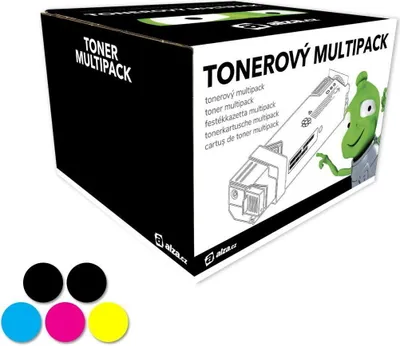
Alza 4649060x Multipack 5pcs für OKI Drucker
233,08 €
Kostenloser Versand
Verkäufer: Schnaeppchen-Schuppen
Alza TN-247 Multipack 5 Stück für Brother Drucker
218,55 €
Kostenloser Versand
Verkäufer: Schnaeppchen-Schuppen
Alza PGI-570 CLI-571 Multipack für Canon Drucker
47,15 €
Kostenloser Versand
Verkäufer: Schnaeppchen-Schuppen
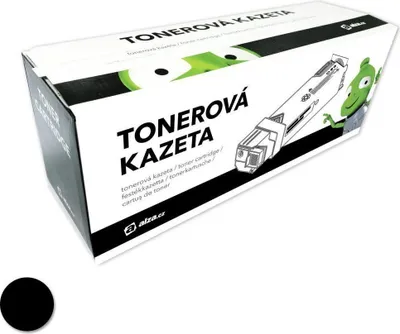
Alza 006R04360 schwarz für Xerox Drucker
71,49 €
Kostenloser Versand
Verkäufer: Schnaeppchen-Schuppen
Alza Nr. 655 C/M/Y Multipack Farbe für HP Drucker
34,94 €
Kostenloser Versand
Verkäufer: Schnaeppchen-Schuppen
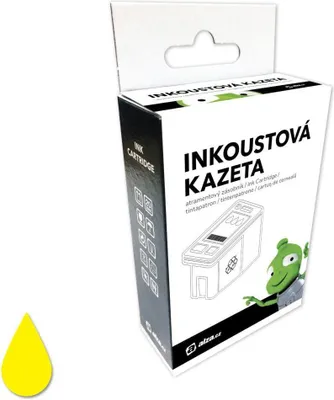
Alza T2714 27XL gelb für Epson Drucker
23,80 €
Kostenloser Versand
Verkäufer: Schnaeppchen-Schuppen
Alza CRG-718 Multipack 5pcs für Canon Drucker
218,97 €
Kostenloser Versand
Verkäufer: Schnaeppchen-Schuppen
Alza TN-3430 schwarz für Brother-Drucker
59,40 €
Kostenloser Versand
Verkäufer: Schnaeppchen-Schuppen
Alza 106R02760 cyan für Xerox-Drucker
46,86 €
Kostenloser Versand
Verkäufer: Schnaeppchen-Schuppen
Alza T2661 schwarz für Epson Drucker
25,41 €
Kostenloser Versand
Verkäufer: Schnaeppchen-Schuppen
Mehr zum Produkt
Produktbeschreibung & Produktdaten
Sichere Materialien: Hergestellt aus sicherem, langlebigem UPVC-Material für eine lange Lebensdauer.
Einfache Handhabung & Montage: Entfernen Sie einfach den en Druckkopf und ersetzen Sie ihn durch unseren neuen – der perfekte Ersatz für Ihren alten Druckkopf. Spec: Item Type: Printhead Replacement Condition: Refurbishment Parts Material: UPVC Applicable Models: QY6 0089 for TS5080 TS6080 ts6020 ts6120
How to Use: 1. Power Off Procedure: Before installation, turn off the printer and unplug the power cord to ensure complete power disconnection. Operating under power may burn out the motherboard and printhead. 2. Cleaning the Mounting Position: Use a lint-free cloth dipped in a small amount of cleaning solution to wipe the contact surface of the printhead mount. Remove any residual ink or dust to ensure a flat installation. 3. Precise Alignment: Align the new printhead with the mounting position, ensuring accurate placement without tilting. Secure it loosely with an wrench; do not fully tighten. 4. Connect Cables: Align the data cable connector and insert it vertically. A distinct “click” confirms proper seating. After connecting the ink tube to the filter, ensure the joint is sealed and secure to prevent ink leakage. WARNING: Do not allow UV ink to drip onto the data cable. Ink flowing down the cable can directly enter the circuitry, causing a short circuit and destroying the printhead.
Package List: 1 xPrinthead Replacement
Note: Special inks (weak solvent, UV, thermal transfer printing, oily) will damage the nozzle and reduce the life of the nozzle. In addition, some inks for printing steel plate, cardboard and plastic. Prompted error code causes and solutions: 1. Dust and dirt inside the printer, you need to use a cleaning tool to wipe the dirty inside of the printer; 2. The cartridges are used up or damaged and need to be replaced with new ones; 3. Driver failure, try to uninstall and reinstall the driver. Open the control panel, find the "Device Manager", find the printer driver, right click and select "Uninstall". Then reinstall the driver.
This is a reconditioned item. Please take this condition into account prior to purchase.